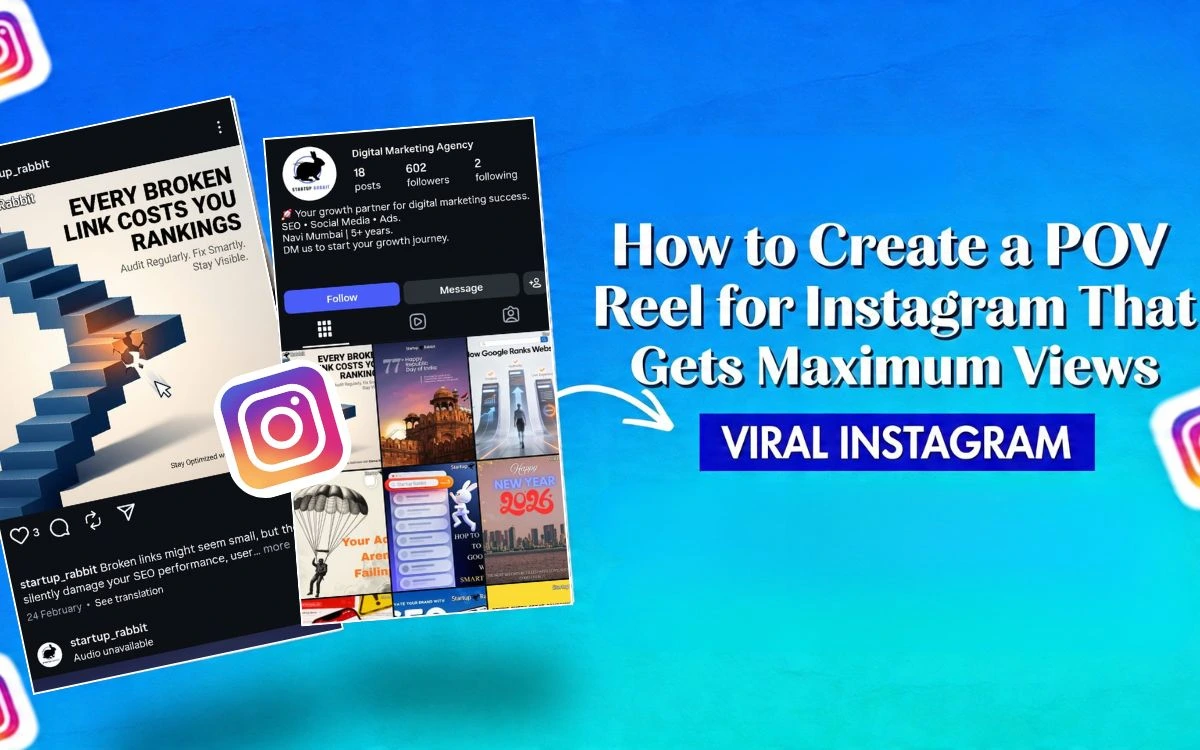
Producing POV for Instagram Reels is a disruptive approach for new content creators who want to have many views. Individuals are placed in everyday situations they can relate to, making it interactive and easy to follow. It could be jokes, life advice, or business tips—learning POV can help your account go popular a lot. All you need is a cell phone and some creativity. This guide will go all the way to the ester base and offer advanced tips on how to make content more engaging and on how to use it in 2026. It will also explain why POV content goes viral, and provide practical steps to create engaging Reels that drive saves, shares, and high view counts.
What Does POV Mean on Reels?
POV Meaning in Reels Explained
Essentially, POV stands for Point of View. It is a filmmaking and storytelling technique that causes the viewer to believe he is the protagonist. It makes viewers believe that they are also involved in the story of the main character.
POV for Instagram Reels produces 1-to 2-minute videos. It enables the audience to get a sense that they are in the same moment as what you are demonstrating.
Why POV Content Works So Well on Social Media
The POV (Point of View) content is very successful since a first-person immersive narrative is used to develop profound empathy and reality. It puts the viewer directly in the scene, making them feel it is a real, relatable, and personal experience rather than a classic, polished advertisement.
Examples of POV Reels You See Every Day
Example 1: There’s a short video of someone nervously playing with his phone while waiting for a date. Camera shots and faces add to the feeling of waiting for the date and feeling awkward.
Example 2: The teacher grades papers in front of the class and makes jokes about the students’ bad handwriting. This makes the students feel like they can relate to the teacher because everyone who knows how hard school and marking can be feels the same way.
Why POV Reels Go Viral on Instagram
- Immersive Experience: POV for Instagram Reels places the viewers in the shoes of the creator, unlike the typical video, which has the viewer looking down on the creator. POV can be shot with eye-level perspective or look down the GoPro-style shots to mimic the view of the real world.
- Great Relatability: They show situations that the viewer has probably been through or can easily picture. They can be used to think about things or as a social mirror.
- Instant Hook: A good POV headline is similar to a headline and grabs attention instantly.
- Actionable and Shareable: Since they do not describe a scenario, but present one, they become personal and are commonly shared with other viewers who share the same feelings.
- Good Retention: These are videos that motivate the viewers to watch till the end to find out the ending of the story or situation being told.
Types of POV Reels You Can Create
1. Funny/Relatable Situations
Humor flourishes on Instagram. Relatable Reels, such as sneaking food past a roommate or finding out a Zoom meeting is about to begin while still in pajamas, can be even more relatable. These are universal moments, and they have an effect of making one laugh and identify with them.
2. Romantic & Heartfelt POVs
The themes of love and heartache never grow old. Three images of crush or break up, such as staring at a crush across the room, are incredibly emotional and popular with trying out with romantics.
3. Educational POVs
There are two ways that Educational Reels can be used: to share information about a specific educational topic (like learning how to be a barista in a busy coffee shop) and to offer a fun educational experience that keeps people interested.
4. Behind-the-Scenes POVs
These Reels provide a glimpse of small features of life to viewers, such as cake decoration, which generates interest and a sense of exclusivity, which can be beneficial to content creators and businesses alike.
How to Make a POV Reel on Instagram
Step 1. Pick the Idea that Works
The key is to first know what your audience wants to hear about, then select a theme they can relate to and one that makes them want to hear it, a comedy skit or travel situation that resonates.
Step 2. Script or Freestyle
Choose to do script or freestyle. Scripting is useful to organize more complex thoughts, whereas freestyling may be more suitable. Combine the two to ensure there is spontaneity and yet address important issues.
Step 3. Include On-Screen Text and Captions
Use Captions and On-Screen Text to establish the scene at the beginning. Create on-screen text to inform the narrative and to highlight critical moments, making it viewable by the audience with the sound off.
Step 4. Music and Audio Cues
Use the audio library of Instagram to add mood to your reel with the help of the right music. Apply sound effects to immerse the viewers in the story, associated with the tone of the content.
Step 5: Post and Monitor the Right Signals
During the 24-72 hrs of posting, monitor results like completion actions, shares, and reach of followers in order to monitor how much the audience is engaged.
A step 6: Understand which content to repeat/improve
View the performance of your reels. Get to know what went and what didn’t, and apply this to future content to better the hooks and pacing.
Best Practices to Create High-Performing POV Reels
1. Include Relevant Hashtags: Include hashtags such as #POV, InstagramReels, and SmallBusinessTips to make the content more discoverable. Keep abreast of trends so that you can modify hashtags.
2. Minimize the length of Videos: Make a video short so that it can capture the attention of the viewer. The purpose is to achieve times below 30 seconds, in particular with educational content, as the Instagram prefers shorter Reels.
3. Post at high periods of engagement: Find the best time to post, which is usually 3 PM and 56 PM, weekdays, and mornings of Saturdays, when posting casual content. Track engagement with Instagram Insights.
4. Play with Commenting: Be responsive to comments and questions made by viewers to create conversations. Timely action will increase the exposure of your Reels and allow you to gain a loyal audience.
POV Reels Ideas That Can Go Viral in 2026
| Category | Description |
| Business Accounts | Product Demo in 30 Seconds: Fast-paced, visual product showcase solving problems. |
| Behind-the-Scenes Workspace: Humanize your studio/store for trust. | |
| Packaging Process: Satisfying order-to-delivery visuals. | |
| Customer Testimonial Clip: Overlay reviews on product footage. | |
| Industry Tip of the Day: Share expert insights. | |
| Before/After Transformation: Split-screen dramatic changes. | |
| Influencers/Creators | A Day in Your Life: Fast cuts with timestamps/voiceover. |
| Amazon/Product Haul: Mini-reviews with affiliate links. | |
| Designers/Artists | Sketch-to-Final Process: Time-lapse evolution. |
| Design Inspiration: Mood boards/visual elements. | |
| Speedpaint/Time-Lapse: Accelerated creative session. | |
| Portfolio Showcase: Animated captions on finished work. | |
| AI + Human Collaboration: Tools like ImagineArt for ideas. | |
| 1-Minute Tutorial: Design tricks (e.g., Photoshop). | |
| General/Life Hacks | Life Hack/Tip: Visual, time-saving ideas. |
| Walk + Voiceover: Thoughts on life/creativity over footage. |
Common Mistakes to Avoid in POV Reels
1. Making the POV Angle too complicated.
Be very clear and simple. Present only one familiar situation, e.g., suppose you are a barista during the morning rush. The viewers are attached to the screen because of its clarity.
2. POV Titles: Irrelevant/Clickbait.
Offer these cartridges when you can not bring them. Such a title as POV: You are a millionaire is exciting. However, if the video only shows you drinking coffee in your kitchen, viewers would have been fooled. Avoid losing trust by making sure that the title fits with the content.
3. Low Quality Audio or Camera.
Stuttering video or toned-up audio can kill a Reel. You do not have to spend a lot of money on a camera; the work of most smartphones is outstanding. And make sure you have a good light and good sound. You can use a cheap clip-on mic when necessary and record in a well-lit area to ensure that your POV Reel is professional.
POV Reels for Business: How Brands Can Use This Trend
- Brand Storytelling: POV Reels stimulate emotional engagement by presenting real-life experiences, leaving behind direct selling messages.
- E-Commerce and Retail: Brands use POV content to showcase product usage, make unboxing content, demonstrate everyday life, and show changes in order to boost social media tactics.
- Service-based businesses: Service-based organizations have the opportunity to showcase customer experiences, service results, and team activities. It is advantageous for both B2B and B2C marketing.
- Restaurant and Hospitality: UGC is used to record stories about the dining experience, food preparation, and consumer reviews, all of which are important to successful social media marketing in this industry.
- Customer POV Content: This content focuses on exciting Reels, such as unboxing experiences, which are exciting and equal testimonials.
- Employee POV Reels: This reel highlights company culture and appeals to other prospective employees, with an authentic brand image.
Tools and Apps to Create Better POV Reels
| App | Pricing | Best For | Platforms | Key Pros | Key Cons |
| Edits by Instagram | Free | IG-first creators | iOS, Android | 4K export, AI effects, no watermark | 10-min limit, IG login required |
| CapCut | Free/Pro ($7.99+/mo) | Reels beginners, AI tools | iOS/Android/PC | Templates, auto-captions, fast export | Pro for advanced AI |
| InShot | Free/Pro ($4.99/mo) | Quick mobile edits | iOS, Android | Beginner-friendly, aspect ratios | Watermark on free |
| Filmora | $9.99+/mo | Polished short videos | iOS/Android/PC | AI cutout, templates | Pricier |
| Splice | Free/In-app purchases | Action footage | iOS, Android | Speed control, pro transitions | Fewer AI tools |
| Descript | $12+/mo | Dialogue content | Web/Mac/Win | Text-based editing, auto-captions | No mobile app |
| Mojo | Free/Pro | Animated Stories | iOS (Android beta) | Templates, music sync | Pro for best templates |
| Canva | Free/Pro ($13+/mo) | Design + video | Web/iOS/Android | Templates, brand kits | Less powerful for complex edits |
| Quik | Free/Premium ($9.99/mo) | Auto-editing | iOS, Android | Fast themes, beat-sync | Less manual control |
| VN Video Editor | Free (no watermark) | Advanced mobile | iOS, Android | Multi-track, keyframes | Steeper learning curve |
How Instagram Algorithm Supports POV Reels
1. User Engagement: Instagram keeps track of posts liked, shared, saved, or commented on by a user in order to understand what content may interest the individual.
2. Content Performance: A post can be evaluated in terms of performance by using its likes, the rate of engagement, and the time and place tags.
3. Creator Interaction: Instagram looks at the number of users who have recently engaged with a creator to determine their interest in the creator.
4. Relationship History: As accounts engage, such as by commenting, Instagram learns what content users want to see more of, making personalized content delivery more efficient.
Key Takeaways: Mastering POV for Instagram Reels
To master POV for Instagram Reels, you may need to create content that is relatable and emotionally resonant for your audience. There is a great variety of possible fields of POV, such as business, comedy, fashion, and education. To get something to go viral, combine real-life scenarios with trending music. The special POVs of India talking about such issues as family, school, and small businesses would be quite successful in 2026. Keep an eye on your success and make changes as needed.
Conclusion
You have the entire blueprint to create a POV for Instagram Reels that will take over in 2026. From experiencing point of view (POV) through the lens of a watcher to adding shots like eye-level and trending sounds, the tips we’ve talked about will get you as many views as possible. Businesses succeed in turning customer pains into POV for Instagram Reels that convert. Poor lighting, lack of consistency, and analytics skyrocket will all be pitfalls to avoid. The Instagram Reels POV is not merely a trend; it is your key to the page, even in the Explore section. Begin at the easiest today: Select a single idea, movie, or blog. Track save and play again, filter, repeat. Your POV on Instagram Reels has the potential to reach millions, as Instagram primarily focuses on the short form. Test, involve your readers, and create momentum. You have your first viral hit!
FAQs
POV in Instagram Reels refers to the point of view.
Begin by clicking the + button, choosing Reel. Start recording or posting a video of what you see. Then, add the text “POV: [Your Scenario]” to the screen, and include trending audio.
POV makes viewers feel as though they are in the scene, because they get to experience the scene in the first-person point of view.
The best POV (Point of View) Reel ideas of 2026 are “POV: You finally left a toxic job,” “Your dog acting like your boss,” and “You’re on a solo trip in India”.
Yes, businesses can use POV Reels in their marketing process.



Related items
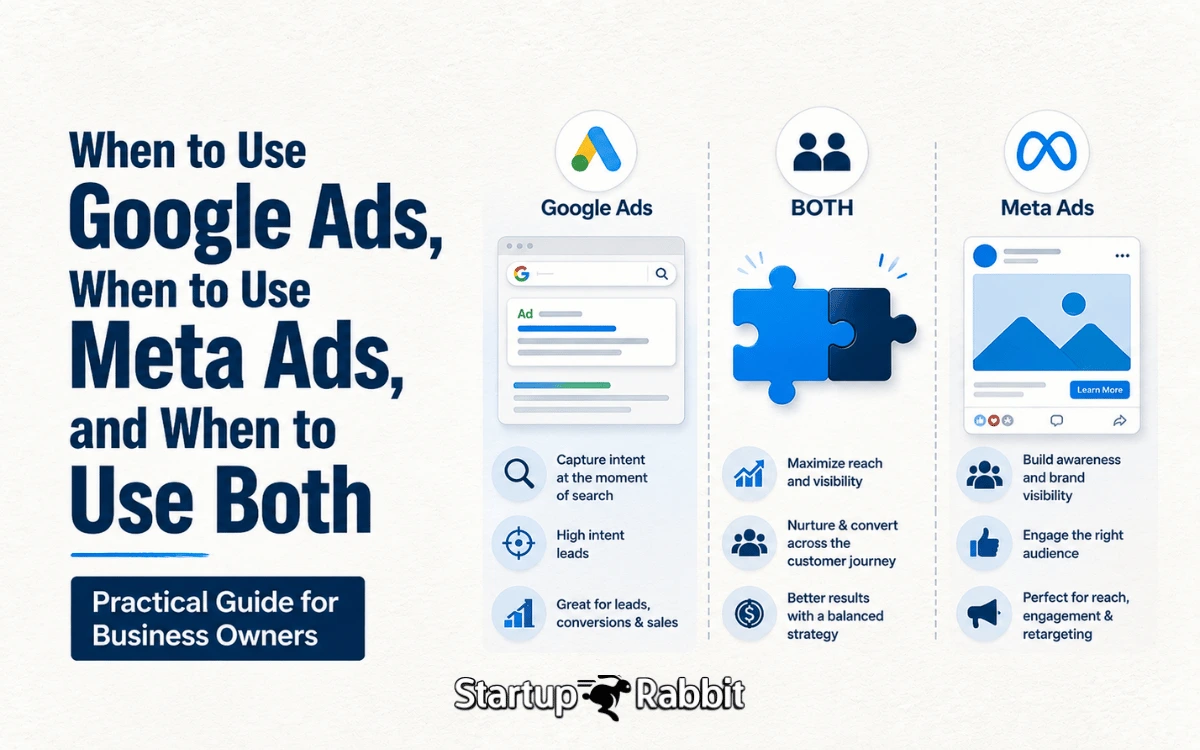
Almost every business owner eventually asks the same question: should our ad budget go to
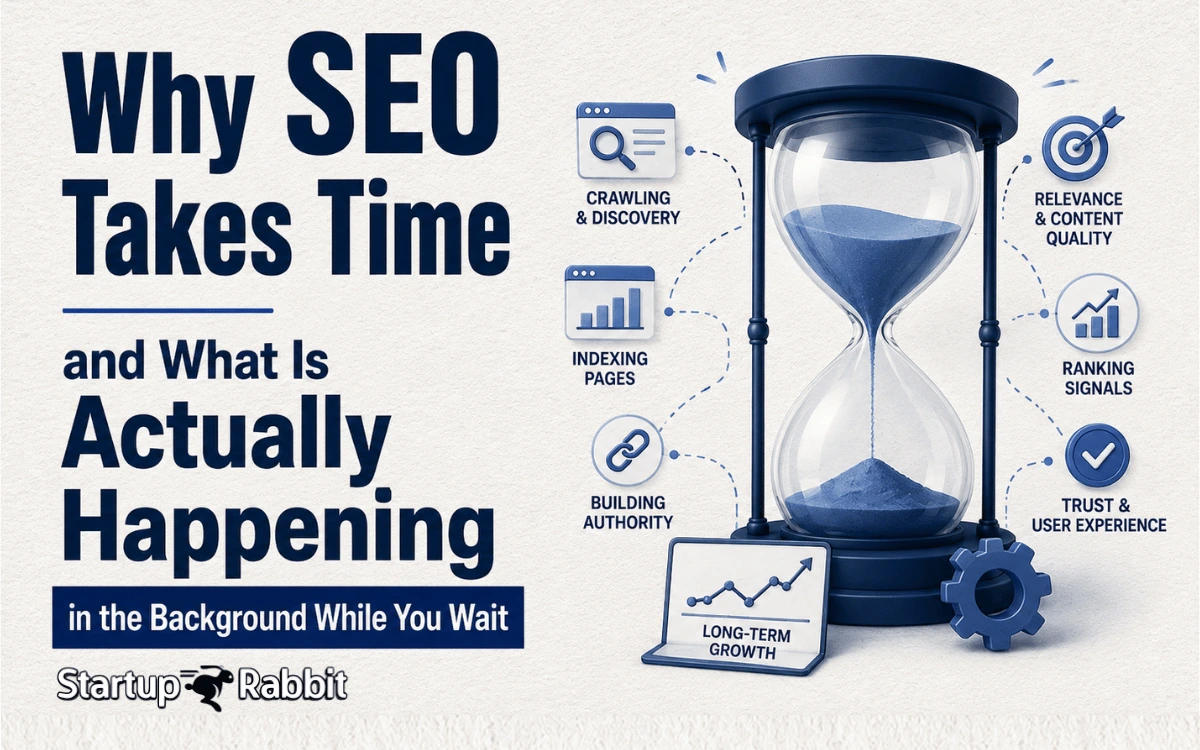
Every business owner asks some version of the same question within weeks of starting SEO:
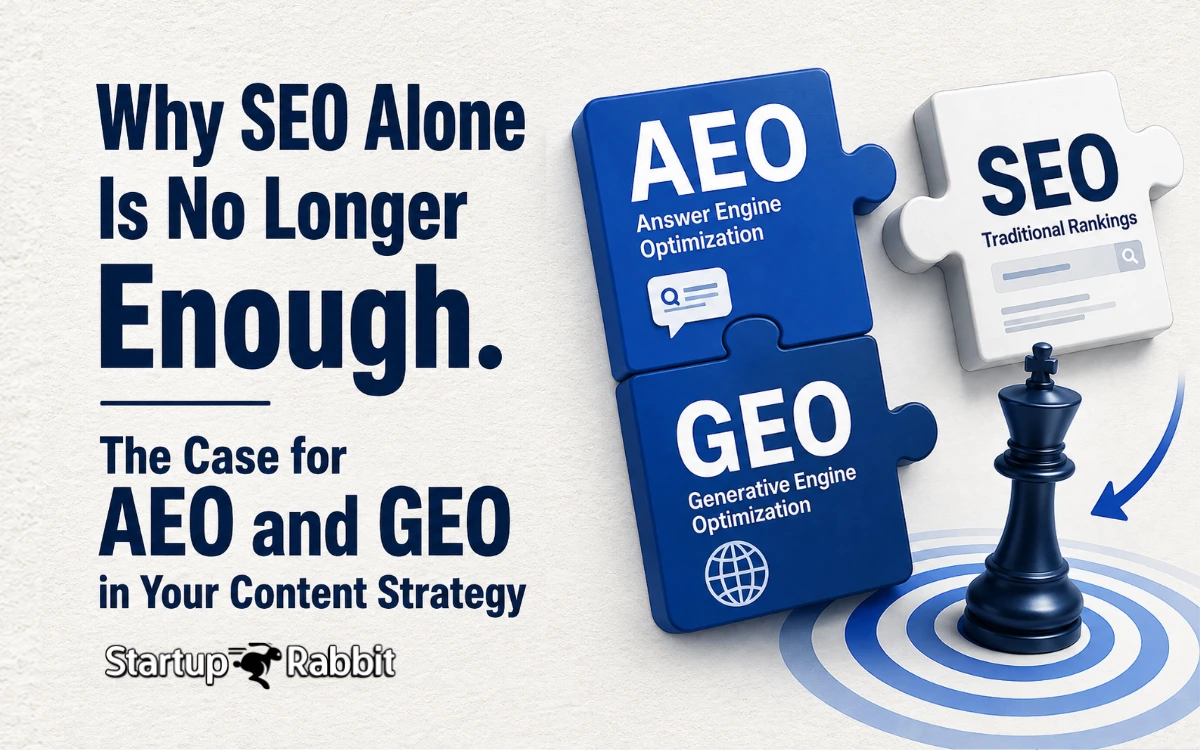
Search has evolved from blue links to a rich mix of answers, conversations, and AI-generat